

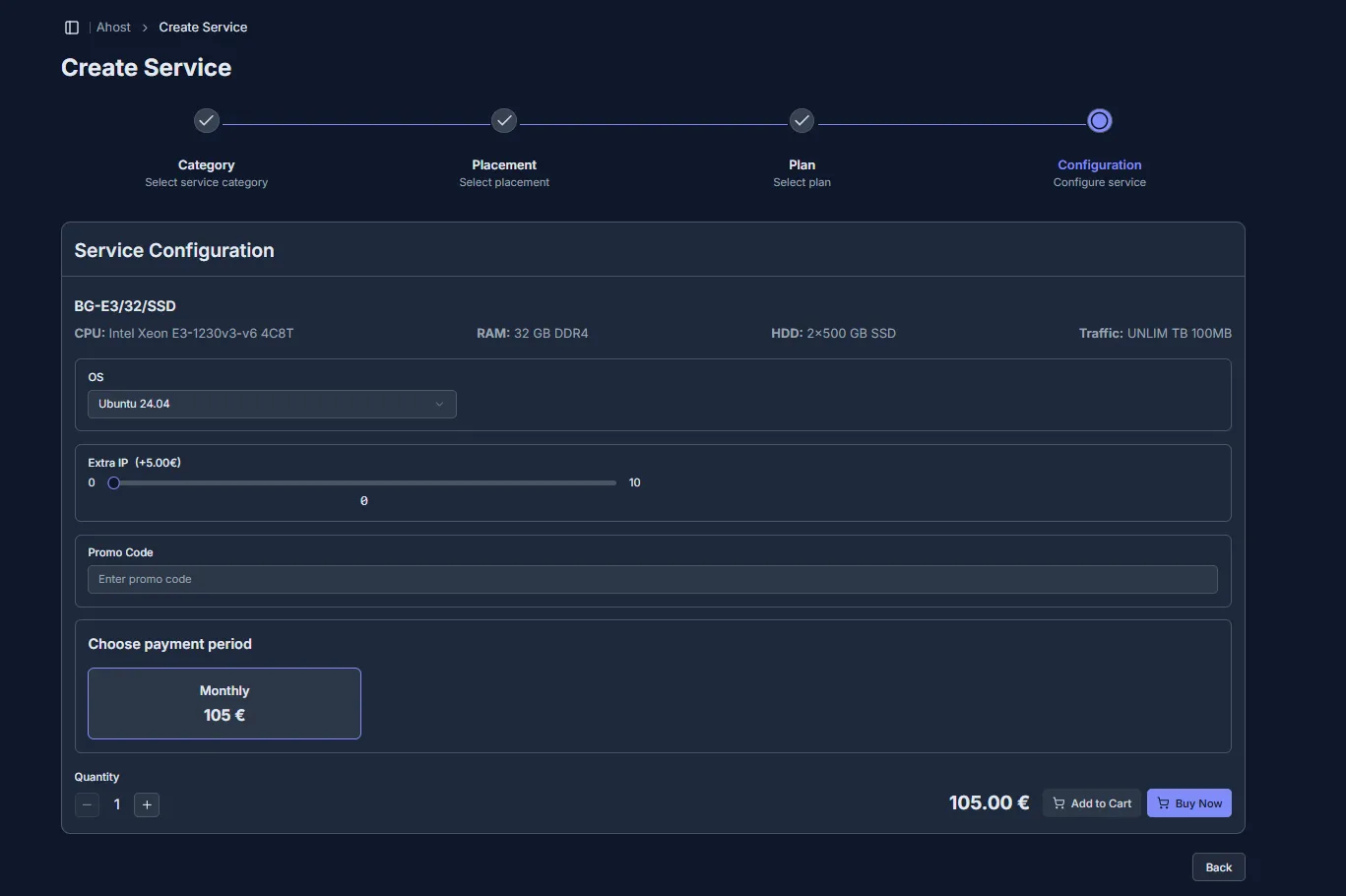
4️⃣ Service configuration (setup) for Dedicated Server (Step IV.II)
-
Configurations:
- OS – choose a pre-installed operating system.
- Extra IP – add the required number of IP addresses.
- Payment period – choose the payment frequency (from monthly to yearly).
- Quantity – how many identical service units of the selected configuration will be purchased/added to the cart.
-
Configuration selection:
- Review the offered list of service settings.
- Adjust each option according to your needs and budget.
- Proceed to payment by clicking “Buy now” or postpone the purchase by adding the service to the cart using the corresponding button.