

🌐 Purchasing additional traffic for VDS
-
Traffic – an item in the “Categories” section displayed when creating a new service. Purchasing it increases your available traffic if the basic limit is not enough.
-
Purchasing traffic:
- Go to “Order a new service.”
- Select “Traffic pool.”
- Choose “Traffic.”
- Select the amount of traffic you need.
- Complete the payment.
-
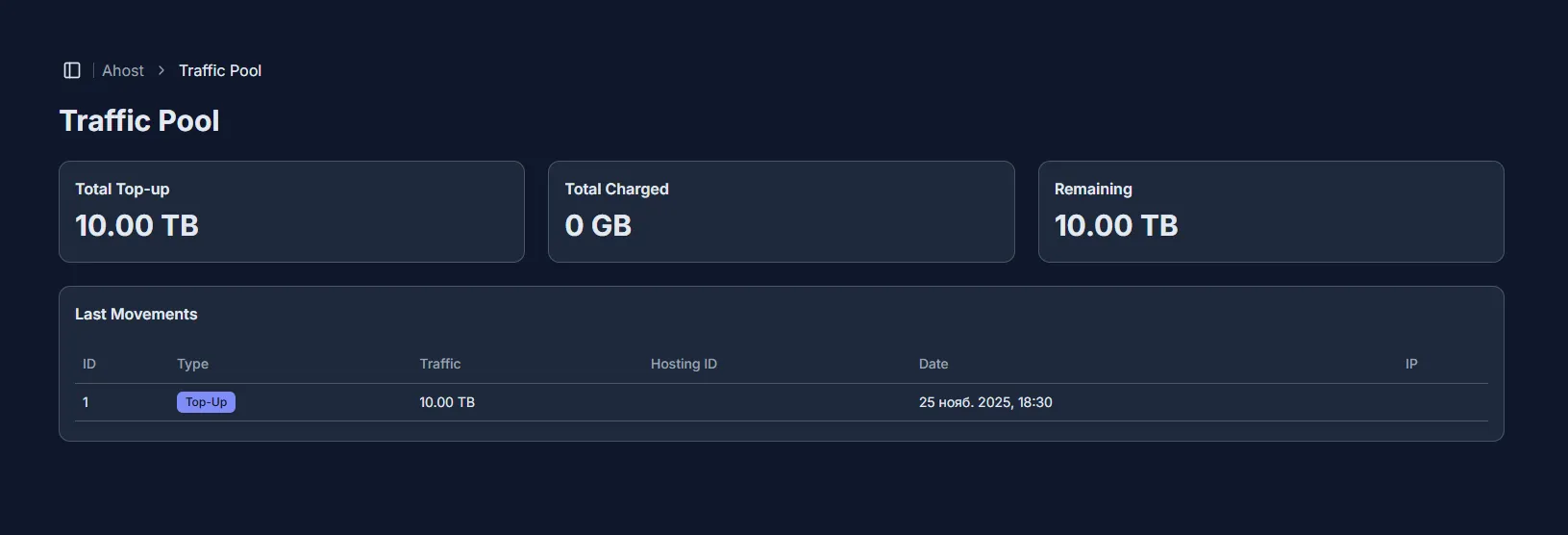
The additional traffic you purchased will appear in the “Traffic pool” tab. It displays:
- “Total top-up” – the amount of traffic you purchased,
- “Total usage” – the amount of traffic you have spent,
- “Balance” – the remaining amount of traffic available to assign to services. You can also view a report of all traffic movements in “Recent movements.”
-
Assigning traffic to a service:
- In the “My Services” tab, select the desired service by clicking “View details.”
- In the “Network management” block, click “Add traffic.”
- In the new block, specify the amount of traffic you want to assign.
- Confirm the action by clicking “Assign.”
- If successful, you will receive a notification: “Traffic assignment completed successfully.”