

🎁 Promo code when ordering a service
-
Promo code – is a specific combination that allows you to participate in a promotion linked to the selected code.
-
Applying a promo code:
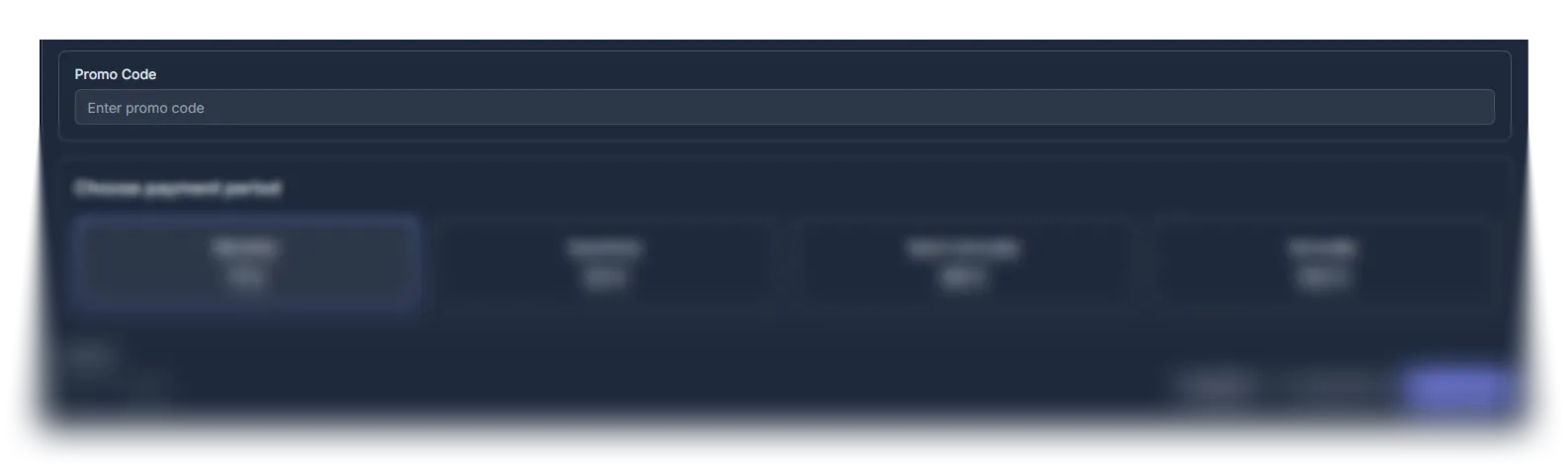
- Find the promo code input field in the “Service configuration” block.
- Enter the promo code and make sure it is entered correctly.
- Complete the order – after the invoice is created, the system will automatically recalculate the order amount.
-
If the entered promo code is invalid, the system will notify you about the incorrect input.