

🛠 Server power management
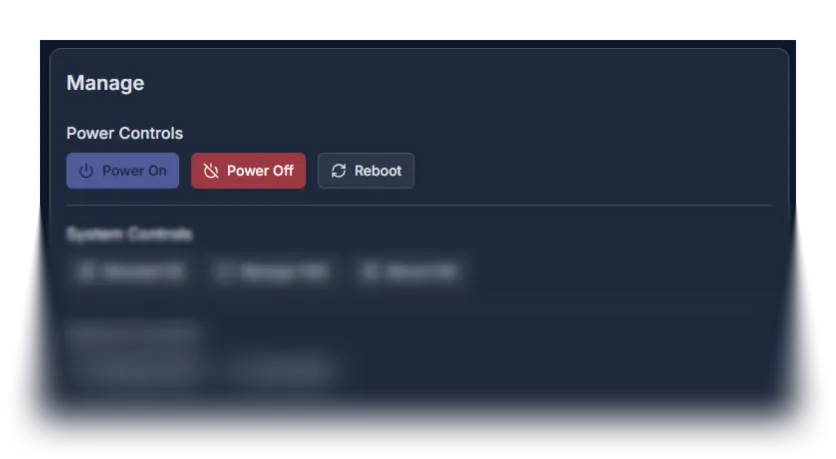
- This block is located on the right side of the “Service details” page, in the “Manage” section. It is designed for convenient control of your service’s power state. After choosing one of the three available options (Power on, Power off, Reboot), click the corresponding button and wait for the process to complete. All operations will be accompanied by notifications in the upper-right corner, as well as updates in the “Power status” section on the left side of the page.