

↔️ rDNS management
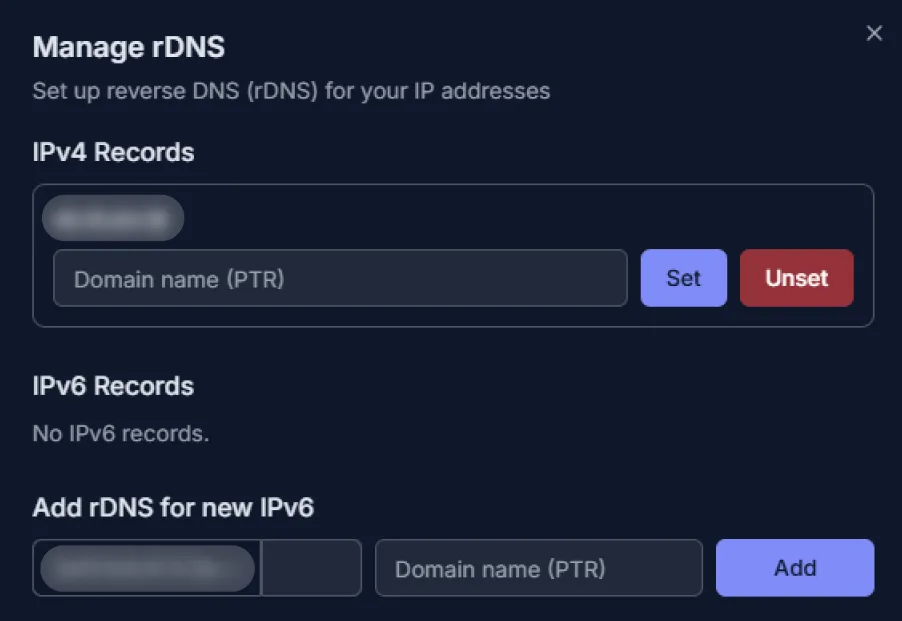
-
rDNS (Reverse DNS) — is a system that determines a domain name by its IP address using PTR records. It is used for server identification and security verification. The configuration for this setting is located in the “Network Control” block on the “Service details” page.
-
Setting up rDNS:
- Click the “Manage rDNS” button.
- For IPv4: in the appeared block, in the field next to your IP address, enter the domain name that should point to this IP; click “Set.”
- For IPv6: in the “Add rDNS for new IPv6” block, select the desired IPv6 address; enter the domain name (PTR); click “Add.”
- Check the result. It may take several hours to take effect.