

🚫 Service Cancellation Request
1. Go to “My Services”
- Open the left-side menu and click “My Services”.
- Locate the server/service you want to cancel.
2. Open the Service Details page
- Click “View details” next to the desired service.
- You will be taken to the Service Details page.
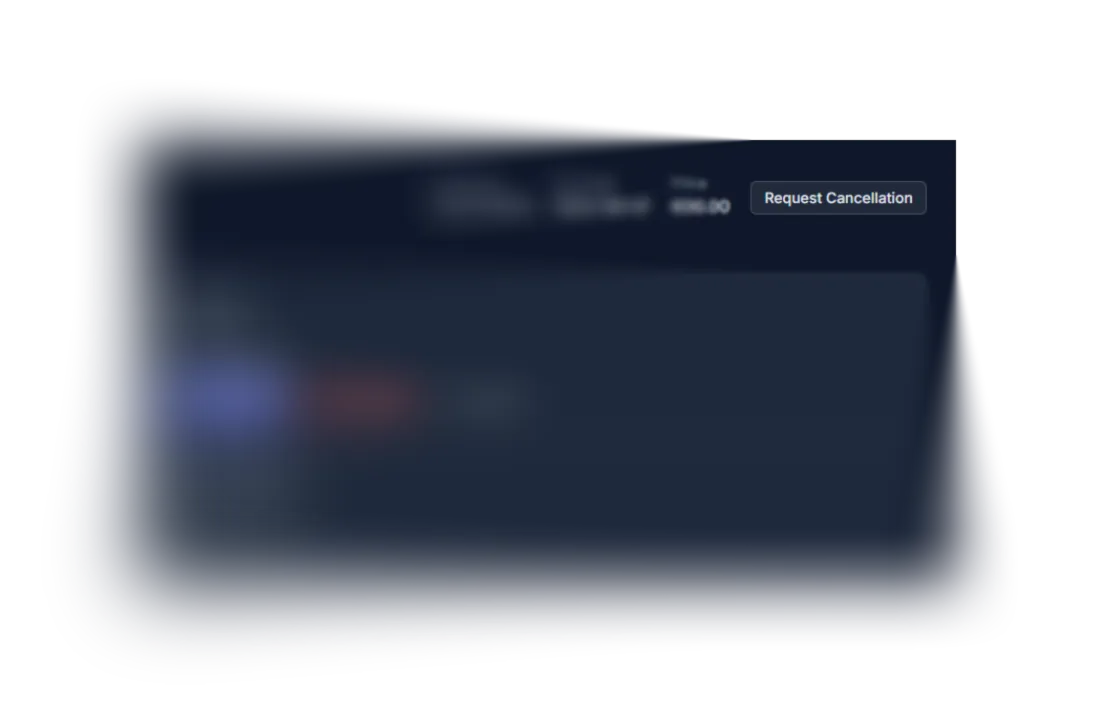
3. Click “Request Cancellation”
- In the top-right section, click the “Request Cancellation” button.
4. Enter the cancellation reason
A Request Cancellation dialog will appear.
- In the “Reason” field, enter any explanation (optional unless required).
- Click “Confirm”.
5. Receive confirmation
After submitting, a notification will appear:
“Service Canceled. No renewal invoices will be issued.”
This means:
- The service will remain active until the end of the paid period.
- Auto-renewal is disabled.