Skip to content
- Go to the account creation page:
- Open the official AHOST website: https://ahost.eu/
- Click the “Login/Registration” button in the top right corner.
- On the login page that opens, click the “Register” button.
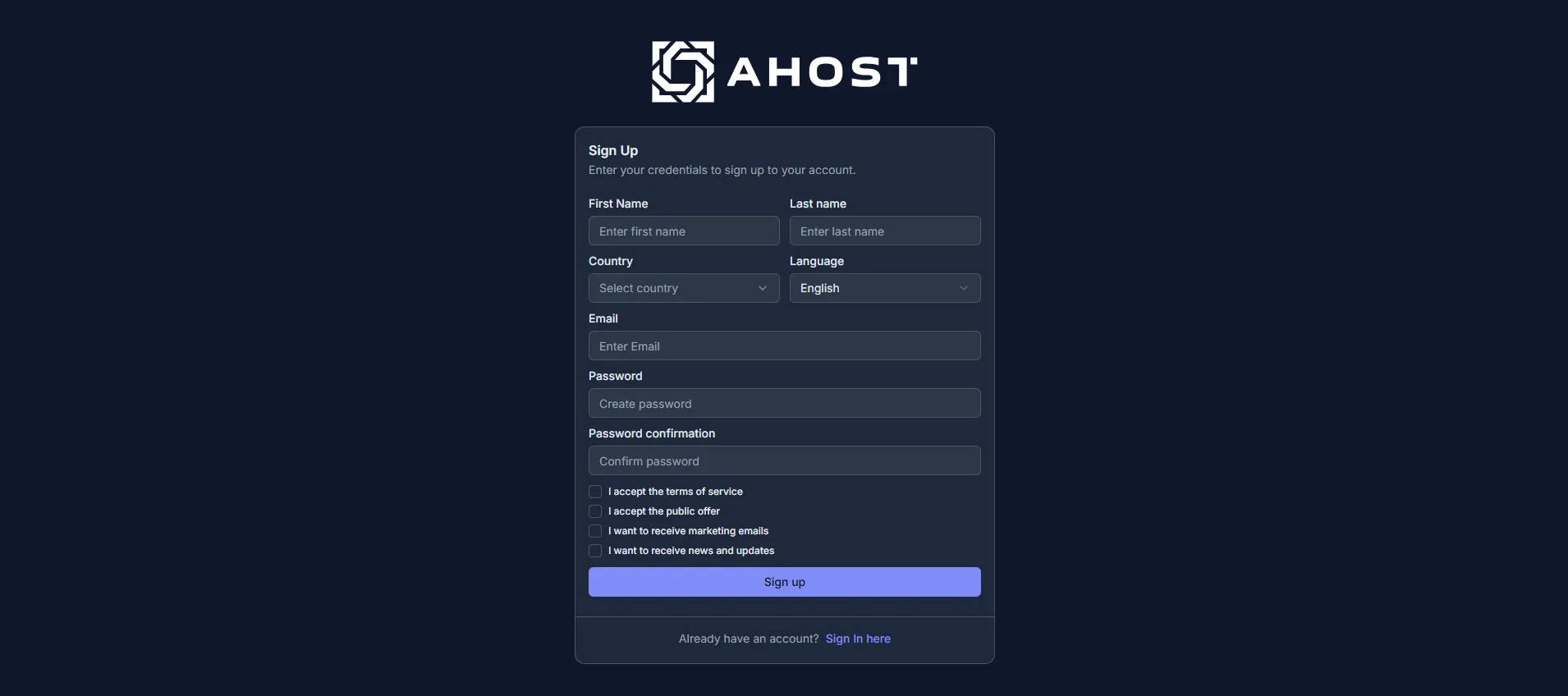
- Fill in the registration form:
- Enter your correct last name, first name, and country.
- Choose your preferred language for working with billing.
- Enter a valid email address — all notifications, receipts, and other messages will be sent there.
- Create a strong password (more than 8 characters, with upper- and lowercase letters, numbers, and symbols).
- Read the service rules and the public offer.
- Tick the boxes below the form to confirm your agreement. If you disagree with the terms, stop the registration process and close the website.
- Confirm registration by clicking the “Sign up” button.
- Account verification:
- Find the verification email in your inbox.
- Enter the received confirmation code on the registration page.
- Confirm the action by clicking the “Verify account” button.

- Registration complete!